
Automatic loading control at Frankenfeld with a ScanGate at every dock
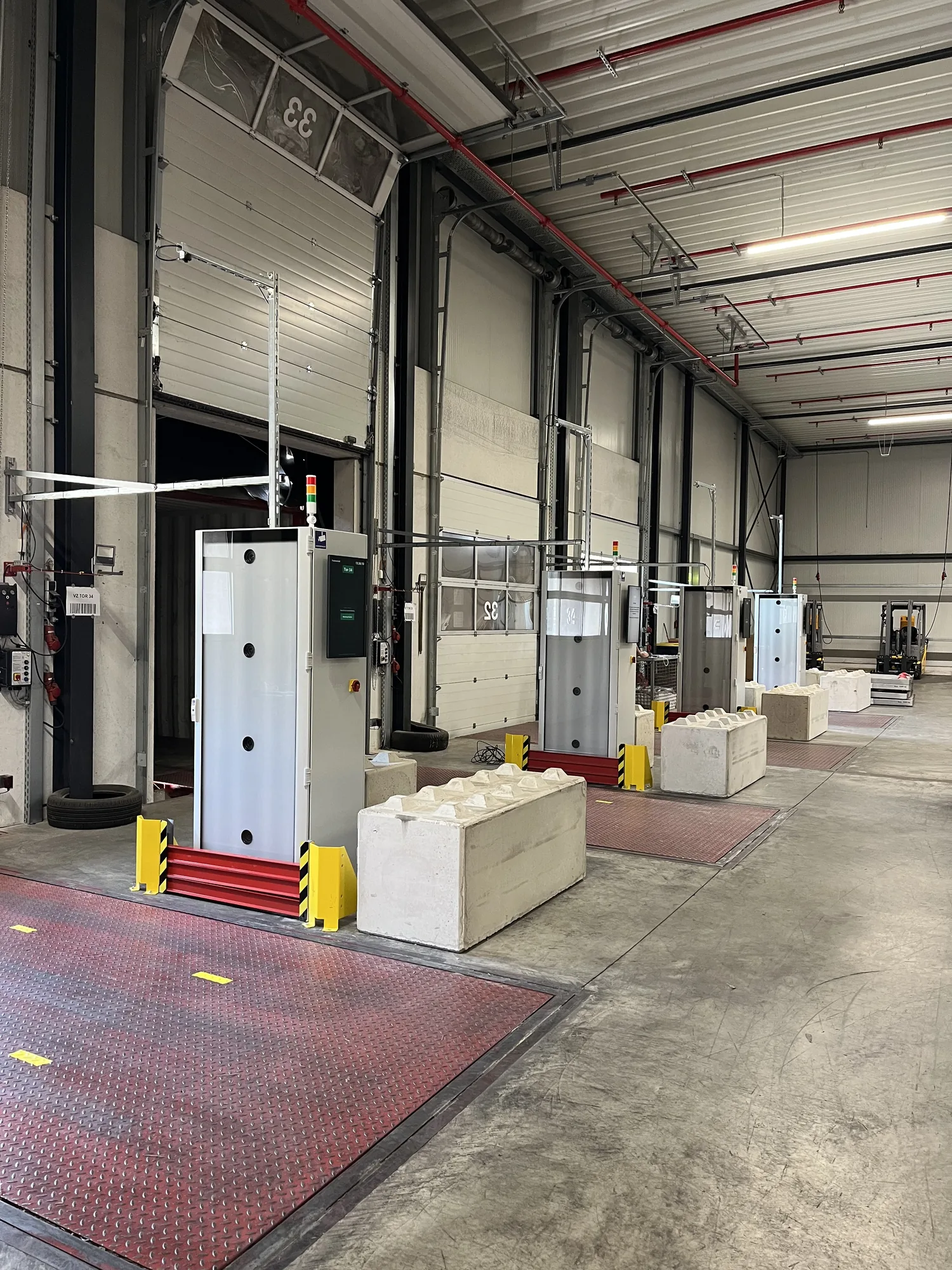
A handheld scan proves that a code was read. It does not prove that the pallet is on the truck. At Frankenfeld Spedition, automatic loading control closes this gap: a ScanGate operates at every outbound dock, checking 100% of outbound trucks and containers. About the customer: frankenfeld.de
Automatic loading control is the check at the outbound dock where cameras capture each pallet in transit, read its shipping label, and match the movement to the loading order.
- At Frankenfeld, a PixelEdge ScanGate operates at every outbound dock. It checks 100% of outbound trucks and containers.
- The movement through the dock is booked, not the handheld scan.
- One shipping label counts per pallet, wherever it is attached. The system does not read codes on product cartons.
- If a code is missing, loading stops until the pallet has been scanned with a handheld device.
- Processing runs locally on the ScanGate, not in an external AI cloud.
Why does a handheld scan not prove what was loaded?
Frankenfeld loads goods for the automotive industry. Supply runs Just-in-Time, and time pressure at the dock is high. Employees carry the responsibility of avoiding every loading error.
A misdelivered container can cost more than €100,000. A misload is often discovered only in the destination country. Releasing the container from customs, in the US or elsewhere, adds effort. If parts are missing at the production line, they have to be sent by expensive air freight.
For reliable goods dispatch control, the digital loading order must match the physical movement at the dock. A handheld scan records that a code was read. It does not show whether the pallet was then placed on the truck. Manual loading verification usually leaves the gap in one of three ways:
- Scanned in advance Under time pressure, pallets are scanned first and driven into the truck later. The booking exists before the pallet has been loaded.
- Scanned but not loaded If the truck is full, pallets remain at the dock. Unless they are removed from the booking, the system treats them as loaded.
- Loaded but not scanned A scan is missed. The pallet leaves while the loading list shows it as missing.
In all three cases, the loading list differs from the truck. The discrepancy is often noticed only after the truck has left or when the recipient counts the goods and raises a complaint. Other cases include pallets without a readable label, empty runs, duplicate scans, and load units added later.
ScanGate books the movement through the dock, not the handheld scan. Anything entering the truck is recognized automatically, even if nobody thinks about the scanner. Anything that does not pass the dock remains open in the order. If a pallet is unloaded again, the system recognizes the reverse movement and removes it from the actual quantity. If a label is missing or unreadable, feedback is immediate and loading stops until the pallet is scanned with a handheld device.
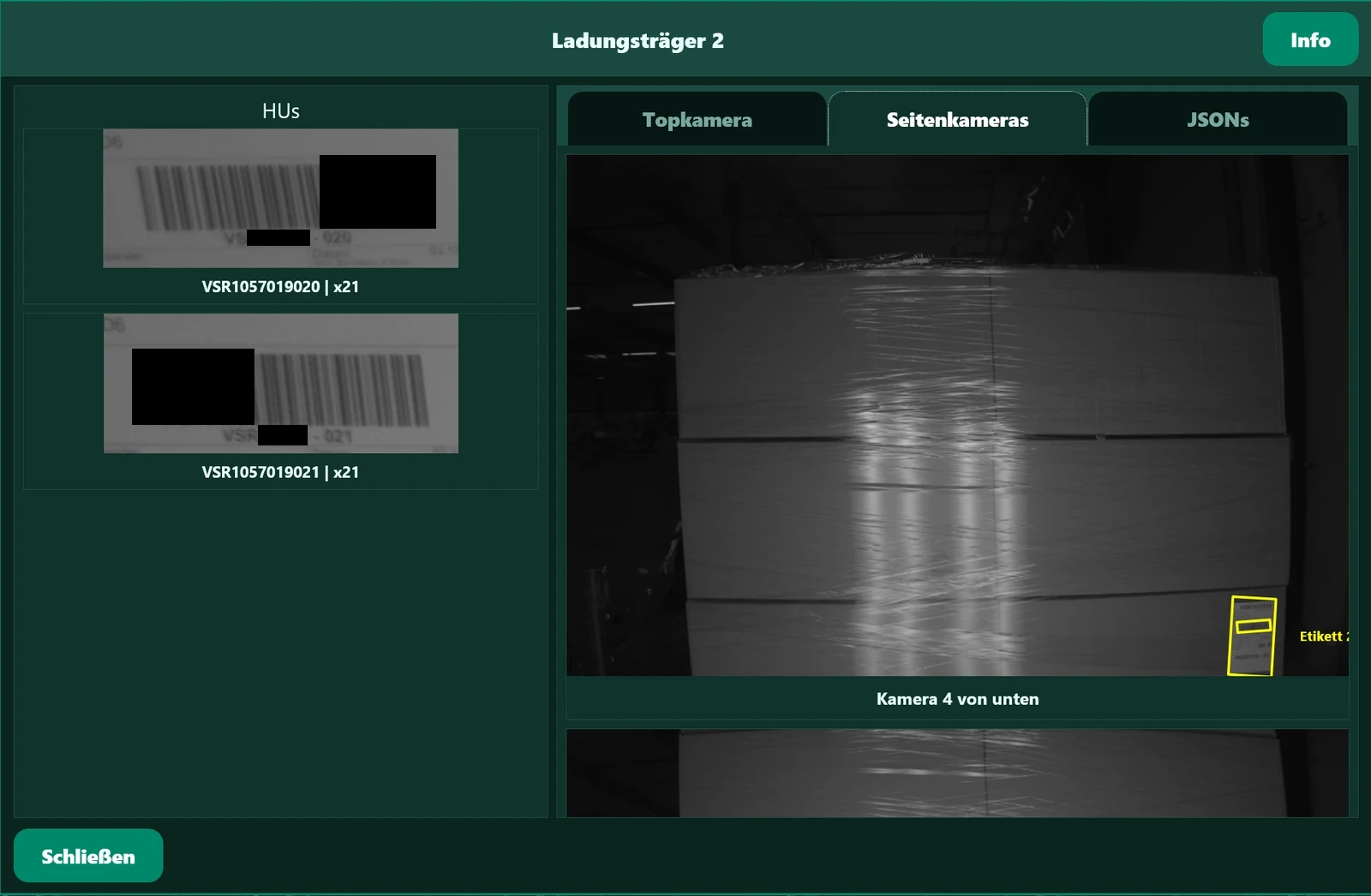
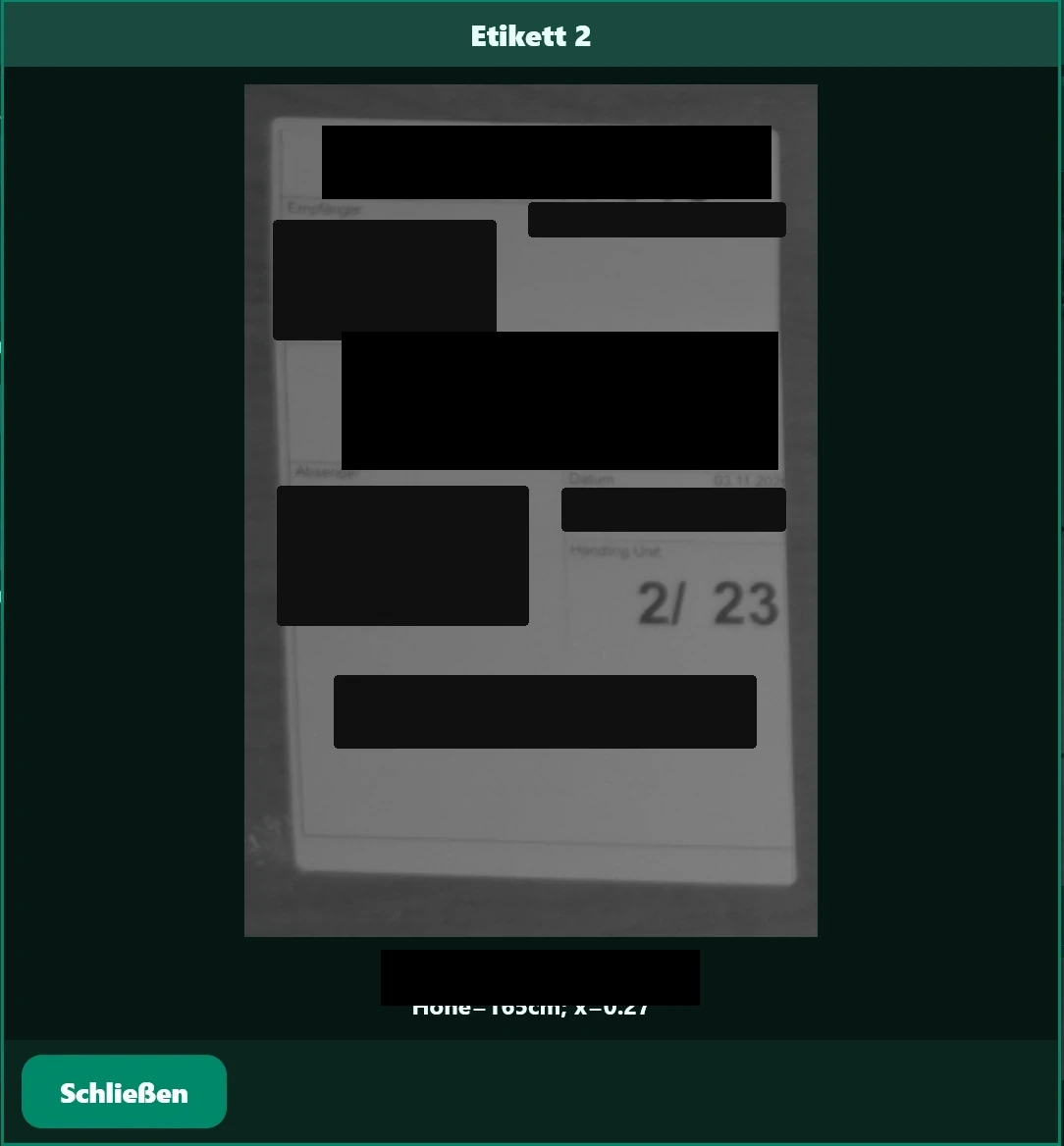
Two codes in the video. Only one shipping label has to be recognized per pallet. Product codes must not be read. The AI distinguishes them automatically.
Different pallets and packages pass through Frankenfeld’s outbound operation. The control system therefore evaluates the object, shipping label, and direction of travel together. The objective is outbound loading control with target-to-actual matching and no extra inspection stop. As long as the pallet and order match, it passes without stopping.
Frankenfeld’s goods dispatch control covers every loading movement at the dock, not a sample. The shipping-label code used at Frankenfeld is the load unit’s HU number. Elsewhere, it may be an SSCC (German NVE). ScanGate reads both.

Role to followAt first I worried that staff would see the system as surveillance. That fear faded quickly. ScanGate takes the pressure off them, error prevention removes the stress, and it was accepted very quickly as a new part of the process.
Automatic loading control at every outbound dock
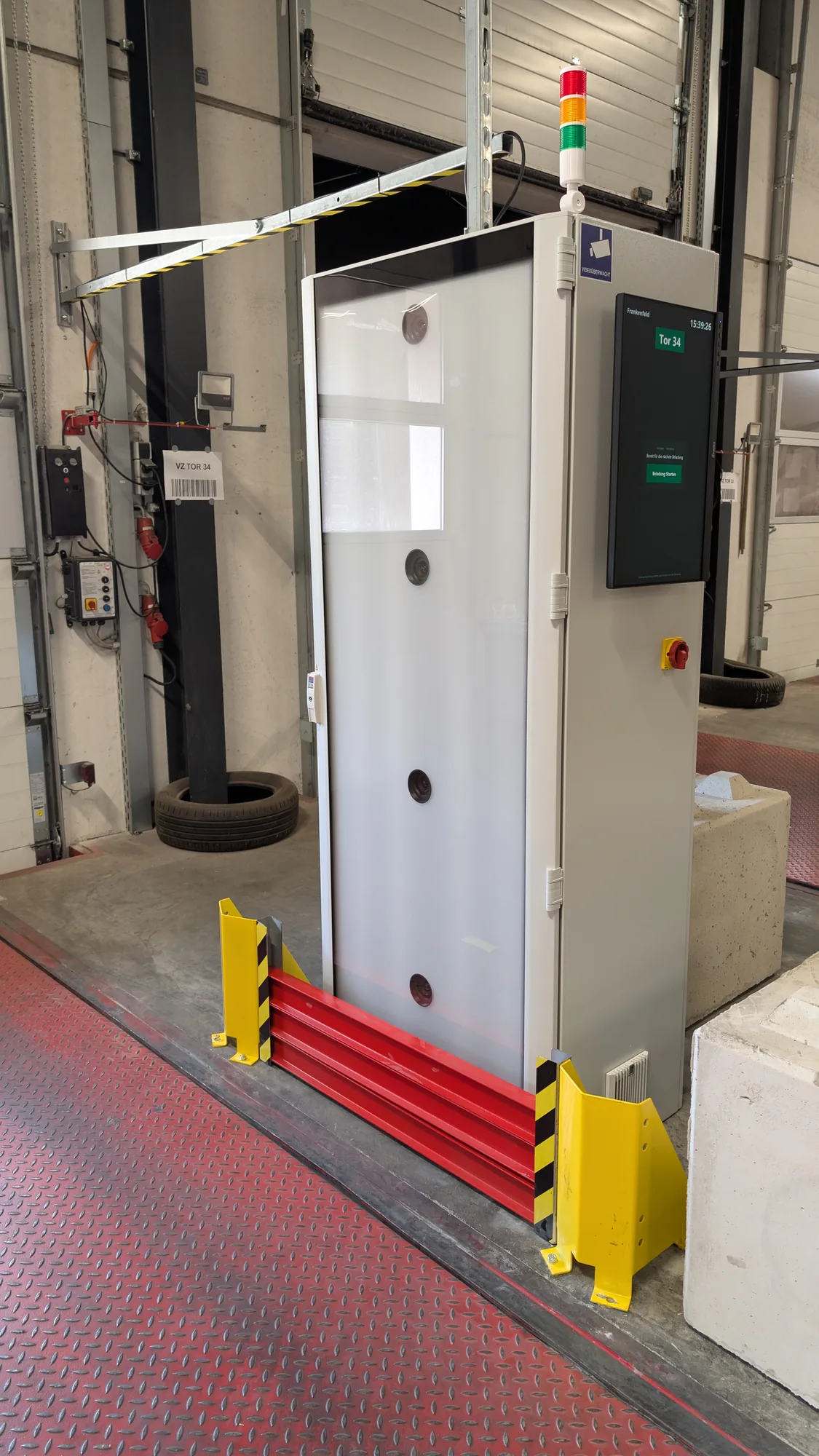
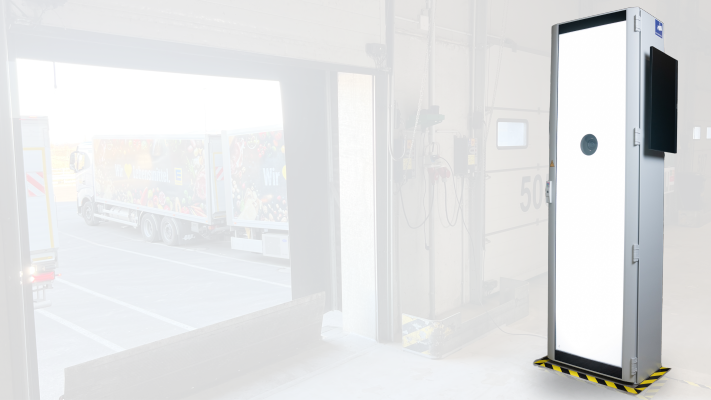
PixelEdge, based in Hanover, equipped every Frankenfeld outbound dock with a ScanGate for logistics. This ScanGate logistics setup checks 100% of outbound trucks and containers. Each unit combines cameras, lighting, sensors, local computing, and an operator interface. The dock requires power and a network connection.
As a pallet or package passes through, ScanGate recognizes the object, finds the shipping label, reads its code, and determines the direction of travel. The movement is assigned to the relevant loading order. Any deviation appears directly in the process and follows the defined resolution path.
Additional labels are attached to cartons at Frankenfeld. Exactly one label per pallet counts for loading: the shipping label. The AI recognizes that label and ignores the others. Only its code is read and matched to the order.
ScanGate announces the number of scanned codes by voice. Drivers hear while moving that the result is correct. They do not have to look at the monitor or signal light.
ScanGate does not read codes on product cartons. The shipping label can be anywhere on the pallet. If a pallet has no code, the system detects this and reports it at the dock.
Local processing at the dock
Image analysis and code decoding run locally on ScanGate. The process does not depend on an external AI service. The response stays at the dock, and operational images are not sent to an AI cloud for analysis. The intended process does not systematically process personal data.
How does automatic loading control work at the dock?
- Provide the loading order The route, loading order, and expected Handling Units (HUs) come from Lobster and are available for the assigned dock.
- Capture the moving pallet Cameras and sensors record the object and labels while it passes through.
- Evaluate pallet and codes Local processing recognizes the package, distinguishes the shipping label from additional labels, and reads its code, which at Frankenfeld is the HU number.
- Classify the movement Forward travel, reverse travel, unloading, and empty runs are distinguished according to the defined process logic.
- Match expected and actual Scanned HUs are compared with those expected for the order. Missing, unknown, or repeatedly moved HUs are deviations.
- Return the result Voice output states the number of scanned codes, and the interface shows the result. Loading events are returned to the higher-level IT system.
What happens on reverse travel, empty runs, and missing labels?
A loading control that only counts a successful scan does not close the gap at the dock. Frankenfeld’s process logic covers these cases:
- Loading with a readable shipping label ScanGate recognizes the load unit, assigns it to the order, and records it as loaded.
- Reverse travel The previously captured load unit is removed from the actual quantity and returns to open status.
- No readable label ScanGate reports this immediately. Loading stops until the pallet is scanned with a handheld device.
- Empty run Travel without a pallet is recognized and creates no booking.
- Additional labels Only the shipping label counts, wherever it is attached. The AI ignores codes on product cartons and other labels.
- Multiple shipping labels The system compares the number of shipping labels with the codes read.
- Duplicate code The same load unit is not booked twice.
- Additional pallet The order is updated, or the defined exception process applies.
- Interruption The interim status is retained. Loading can be continued or completed.
Visual and audible signals indicate that clarification is required. The interface identifies the affected process and package. Once acknowledged or rescanned, the process continues.
Loading data straight from Lobster: matching per Handling Unit (HU)
ScanGate obtains loading data directly from Lobster, Frankenfeld’s logistics software. The loading order, load ID, route, and expected Handling Units (HUs) are therefore available for each dock. This enables Handling Unit (HU) matching at the point of loading. An HU is the individual load unit: the pallet or package expected at the dock. Dock assignment, pickup time, and sequence help assign the recognized HU to the right process.
Every movement through the dock produces an outbound scan. ScanGate compares the packages expected from Lobster with the scanned HUs:
- Expected and scanned The HU is recorded as loaded.
- Expected but not scanned The HU remains open. The loading order is incomplete.
- Scanned but not expected The HU does not belong to this loading order and is reported as a deviation.
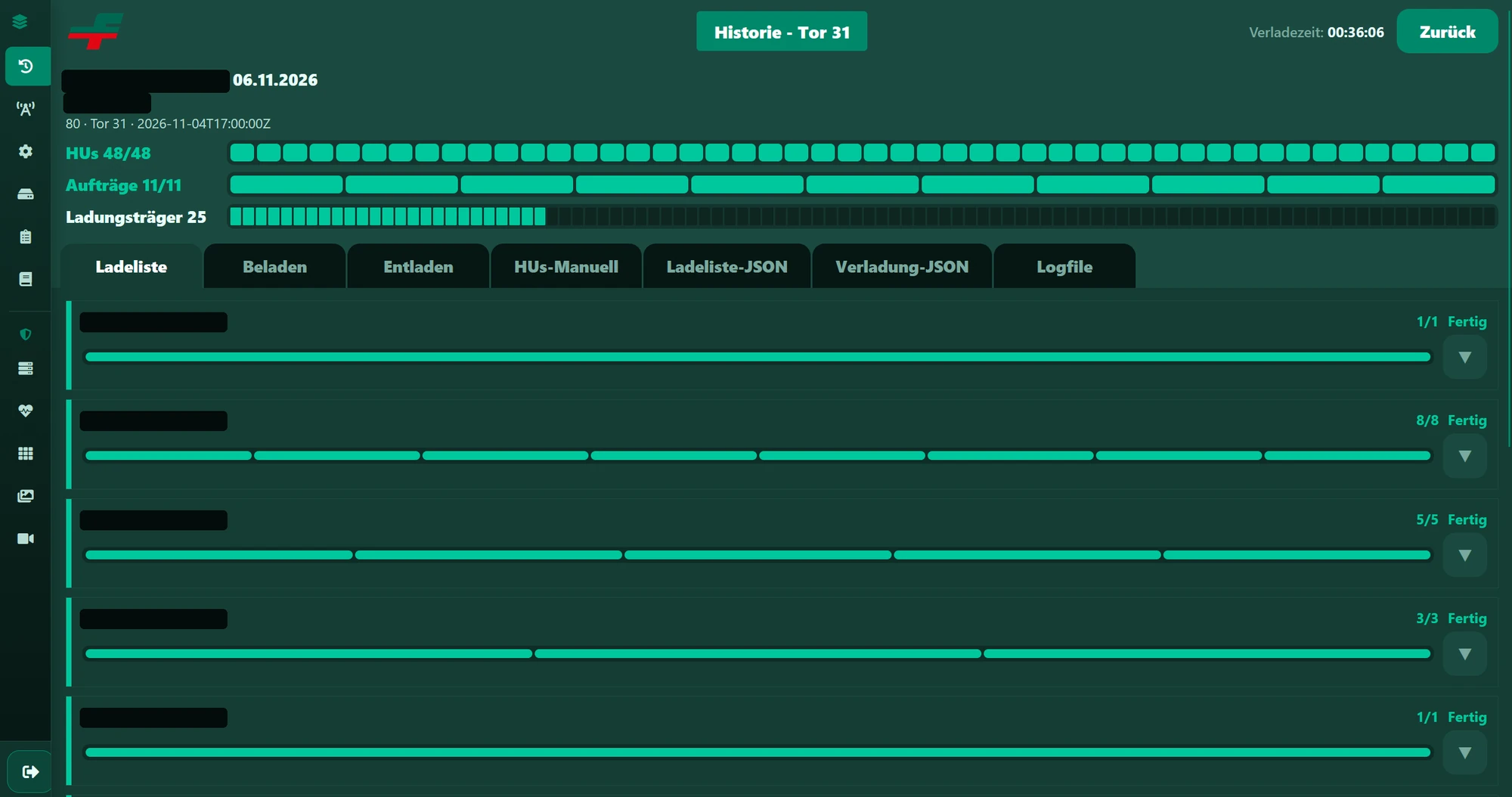
The interface is event-driven. Results return to the higher-level IT system at loading-order and HU level. A read barcode becomes a classified loading event. More on automated pallet label scanning: automated SSCC scanning.
Edge.Trace: loadings in the back office, live and months later
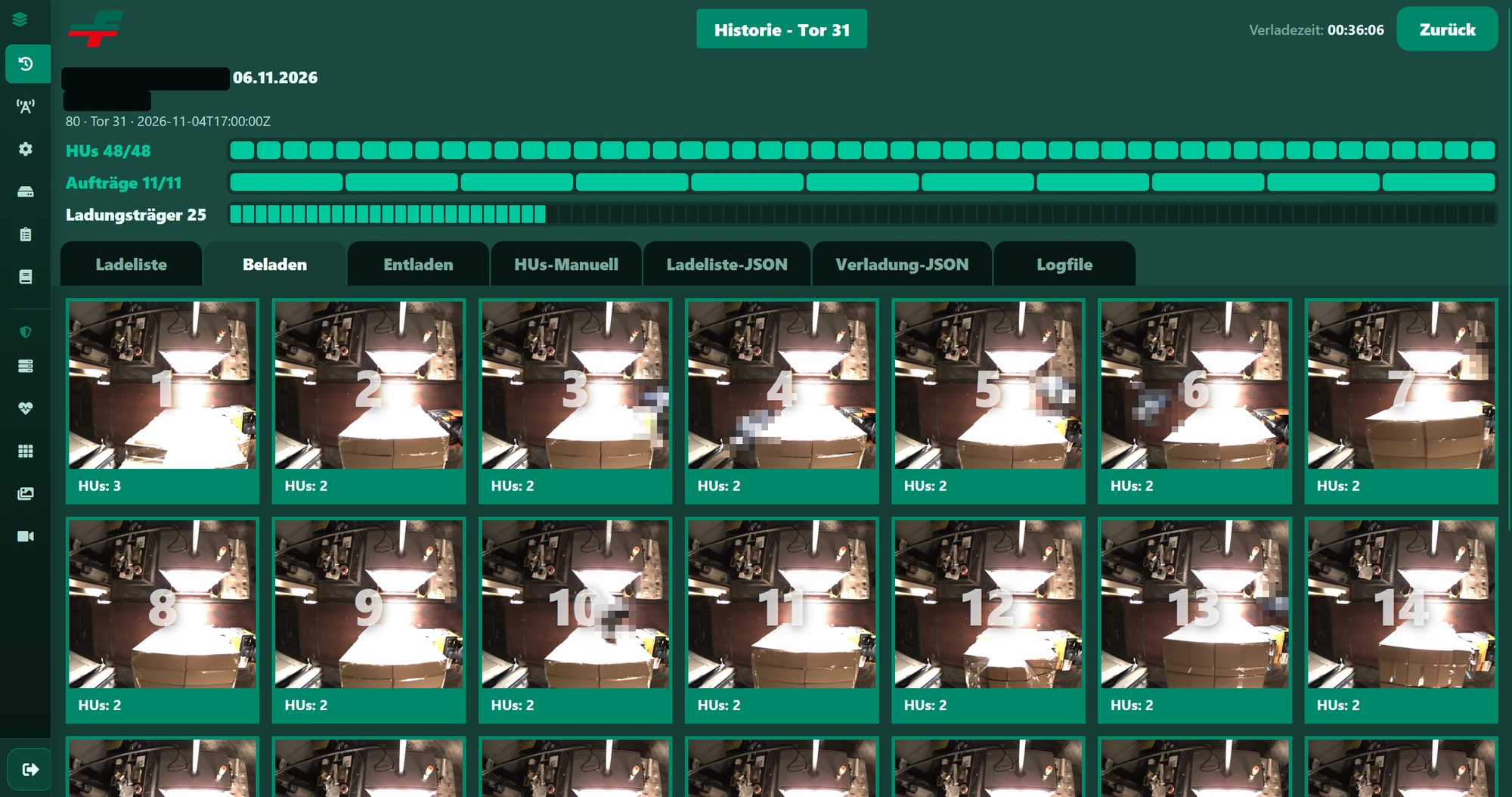
ScanGate captures events at the dock. In Edge.Trace, the back office opens each loading directly. Staff can follow an active loading live as it takes place.
Image analysis stays at the dock. Edge.Trace also stores images from every loading. A process remains traceable months later from the load-carrier image, not only from the booking. This provides image-based loading proof for complaints.
- Directly from the back office Loadings can be opened without going to the dock.
- Live An active loading can be followed while it takes place.
- Images remain available Each loading is also stored as an image and remains traceable months later.
Automate loading control: handheld scan vs ScanGate
The three gaps at the start arise with handheld scanning. The table shows what changes when ScanGate performs the control at the same point in Frankenfeld’s process.
| Situation at the dock | Handheld scan | ScanGate |
|---|---|---|
| What is booked | The code that was read | The movement through the dock |
| Pallet scanned in advance | Recorded as loaded before it is on the truck | Remains open until it passes through the dock |
| Pallet remains when the truck is full | Recorded as loaded unless somebody removes the booking | Remains open. If already loaded, reverse travel is recognized |
| Missed scan | The pallet leaves but is missing from the loading list | The pallet is captured as it passes through |
| Driver effort | The driver must remember every scan | The driver passes through and hears the number of scanned codes |
| When a deviation appears | Often in transit or at the recipient | During loading at the dock |
| Evidence | The booking | The booking and one image per load carrier in Edge.Trace |
For employees at the dock, this means an error is identified there, not in the destination country.
Frequently asked questions about automatic loading control
What does automatic loading control mean in outbound logistics?
Automatic loading control is the check at the outbound dock where cameras capture each pallet in transit, read its shipping label, and match the movement to the loading order. At Frankenfeld, a ScanGate performs this check at every dock. Deviations become visible during loading.
Why is a handheld scan not enough for loading verification?
A handheld scan proves that a code was read. It does not prove that the pallet is on the truck. Pallets may be scanned in advance, remain at the dock when the truck is full, or leave without being scanned. ScanGate therefore captures the movement through the dock.
How much can a misload cost?
At Frankenfeld, a misdelivered container can cost more than €100,000. A misload is often discovered only in the destination country. The container must then be released from customs, and missing goods may have to be sent by air freight.
Does the pallet have to stop for scanning?
No. Cameras and sensors capture the object and labels while the pallet passes through ScanGate. As long as the pallet and order match, there is no scanning stop.
Which codes does ScanGate read?
At Frankenfeld, ScanGate reads the HU number from the shipping label. The label can be anywhere on the pallet. It does not read codes on product cartons, and the AI ignores additional labels. If a pallet has no code, the system reports this at the dock. It also compares the number of shipping labels with the codes read.
What happens if a pallet carries several labels?
The AI distinguishes the shipping label from additional labels on the cartons. One shipping label counts per pallet. Only its code is read and matched to the loading order.
What happens when a pallet travels back through the dock?
The process logic removes the previously captured load unit from the actual quantity and returns it to open status. A code that was read once therefore does not remain recorded as loaded.
How are missing labels and empty runs handled?
A pallet without a readable label is reported immediately at the dock. Loading stops until the pallet is scanned with a handheld device. Travel without a pallet is treated as an empty run and creates no booking.
What is a Handling Unit (HU) in loading control?
A Handling Unit, or HU, is the individual load unit in a loading order, such as a pallet or package. ScanGate matches the HUs expected in the order with those scanned at the dock.
How is pallet label scanning connected to the loading order?
ScanGate obtains the loading order, load ID, route, and expected Handling Units (HUs) directly from Lobster. At the dock, it compares the expected HUs with the scanned HUs. Results return to the higher-level IT system at loading-order and HU level.
How do employees respond to automatic loading control?
At Frankenfeld, ScanGate was quickly accepted as part of the process. The concern that employees might see it as surveillance did not persist. The system takes pressure off them because preventing errors reduces stress during loading.
Where does the back office see the loading?
In Edge.Trace. The back office opens loadings directly and can follow an active loading live. Images from every loading are also stored and remain traceable months later.
Where are the images analyzed?
Image analysis and code decoding run locally on ScanGate. The process does not depend on an external AI service. The intended process does not systematically process personal data.
Related content
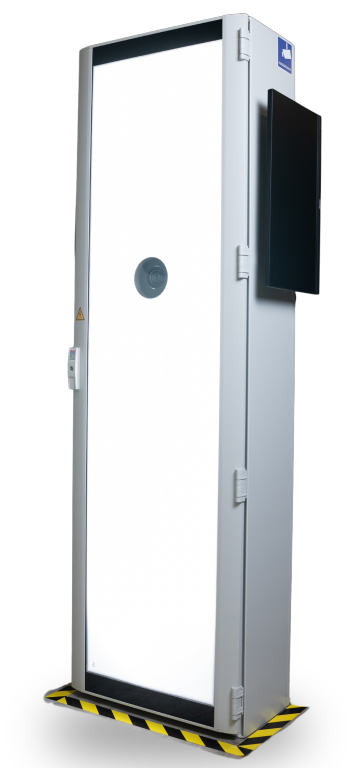
ScanGate for logistics
Cameras, lighting, and local processing at the point of transit, for outbound and inbound logistics.
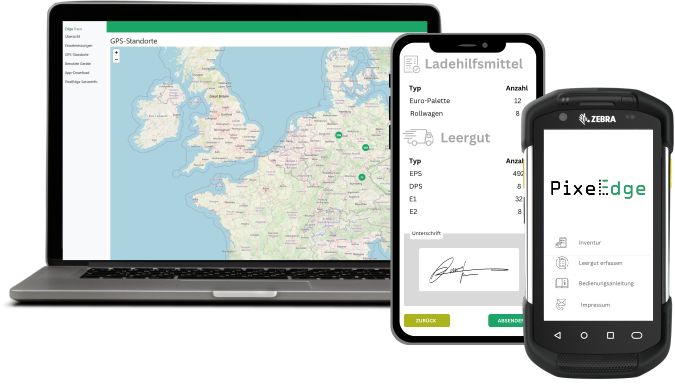
Edge.Trace
Open loadings from the back office, follow them live, and review the images months later.
Automated SSCC scanning
Read the pallet label while the load unit is moving and assign its code to the process.
Check loading control for your site
Do you want to capture pallets, shipping labels with SSCC or HU numbers, and the physical movement directly at the loading dock? We assess the required dock setup, process data, and interface with you.
Tell us about your docks, load carriers, label positions, and existing warehouse management system. We will respond with an initial technical assessment.
Ask about your loading control project