
Edge.Count – Counting App for Logistics: Count crates, pallets and returnables easily via app
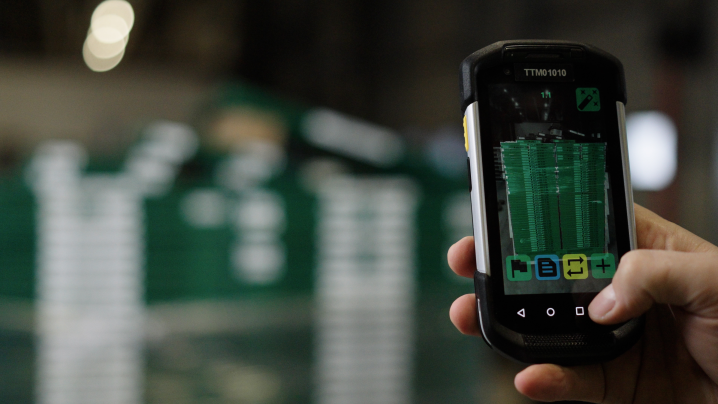
Manual container counting? Not anymore!
Counting app for logistics: Manually counting and recording containers, crates and other returnable objects in warehouses and logistics centers can be time-consuming, error-prone and inefficient. With Edge.Count, we revolutionize your container management through the use of state-of-the-art mobile data capture technology.
Our intuitive app enables you to count returnables and containers quickly and accurately, saving time and dramatically improving the accuracy of your inventory data. Switch to a solution that provides real-time updates and complete transparency over your stock – without tedious manual counting.
Sound familiar? Manual counting, shrinkage, overloaded drivers
Typical challenges in container and returnable management – and how Edge.Count solves them.
Relieve drivers – every minute counts
Drivers are scarce. Instead of having them manually count crates and pallets, they take a photo with Edge.Count – AI does the rest. Less waiting at the gate, more tours per day.
Reduce returnable shrinkage
Excel, paper, manual entries – no transparency, no real-time data. Edge.Count brings order: every capture is documented, every location is traceable. Shrinkage drops, costs too.
Avoid faulty data capture
Manual counting is error-prone – typos, double entries, complaints. With AI-powered image recognition you get precise data that flows directly into your systems.
Edge.Count: Take a photo, AI counts – drivers and warehouse relieved. No more manual counting.
We digitalize the most tedious process in logistics
Efficient, intuitive and precise: With Edge.Count you optimize your container management for returnables and crates in no time. Thanks to automatic counting via scan and real-time updates on your inventory, you not only avoid errors but also reduce working time. The solution flexibly adapts to your requirements and offers full transparency – anytime, anywhere.
Unload load carriers
Start the process by unloading pallets and roll cages from the truck and preparing them for scanning. Ensure all crates are clearly visible to maximize counting efficiency.
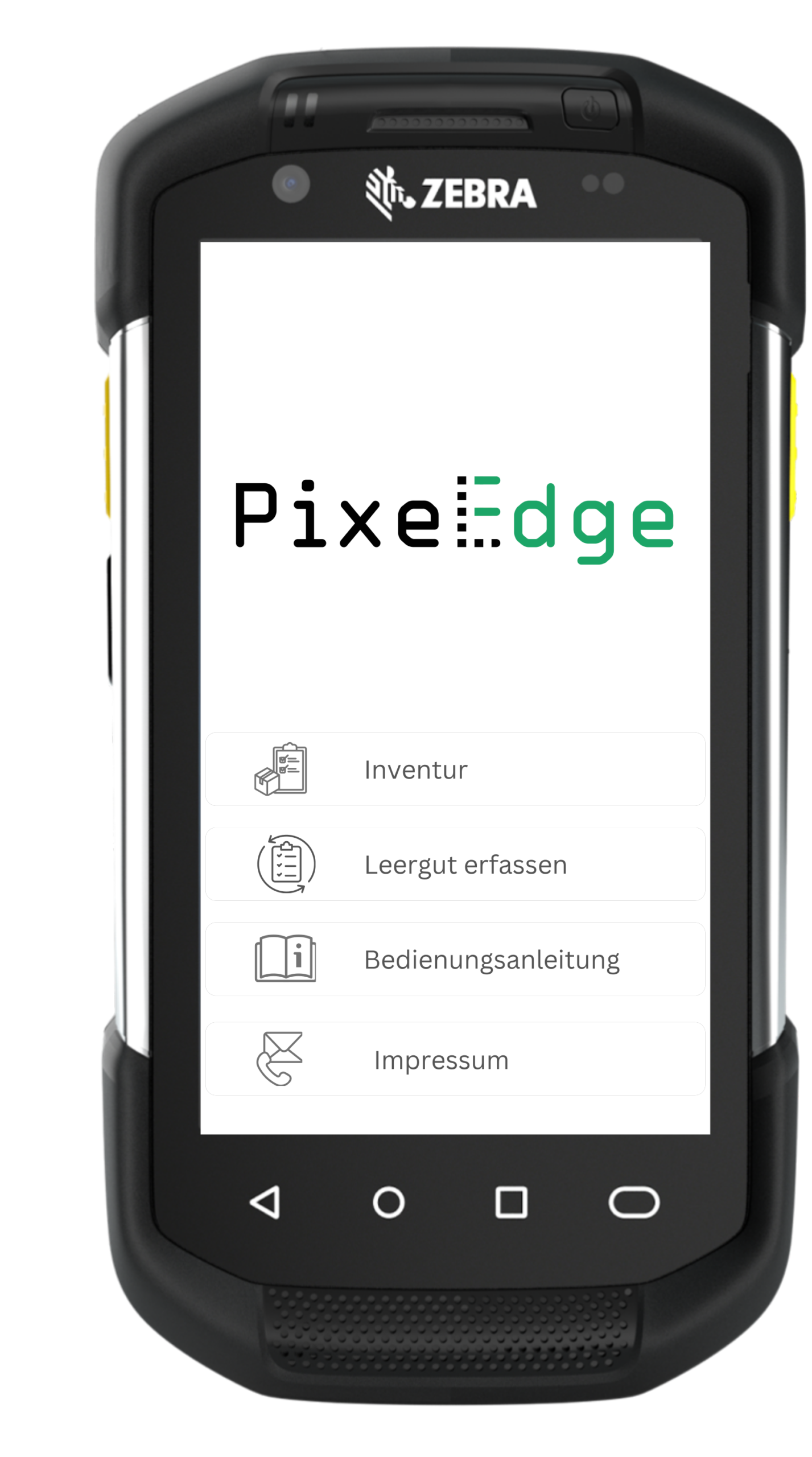
Scan delivery note
Open the Edge.Count app on your mobile data capture device and use the integrated camera to scan the delivery note. This enables quick and accurate assignment of the tour and corresponding load carriers.
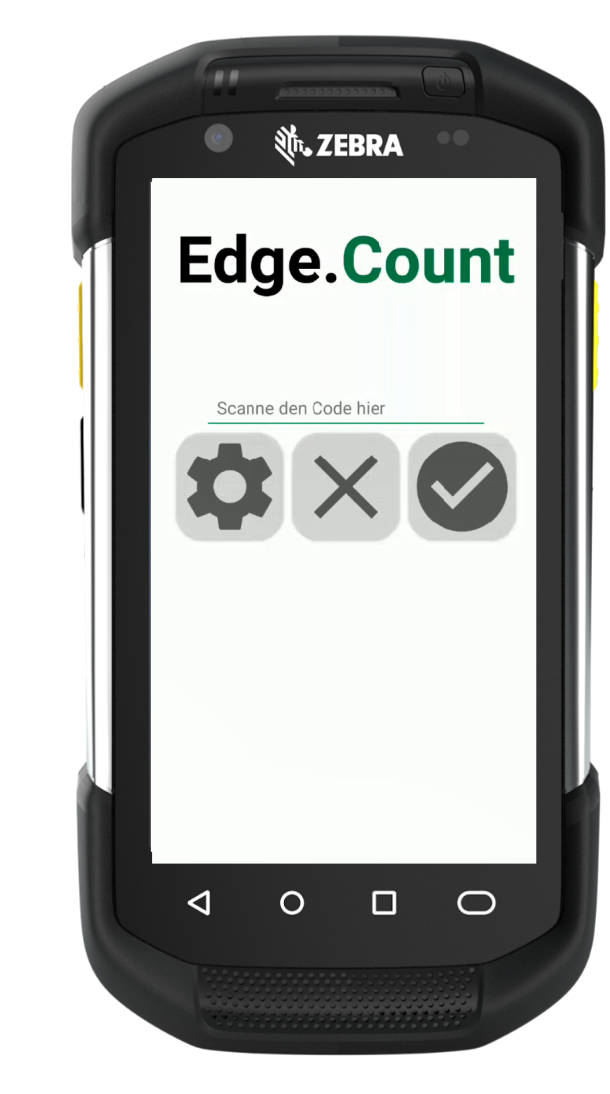
Photographic capture of front and back
Take photos of the front and back of each load carrier via the app. The app guides you with overlays for optimal camera positioning to ensure the best image quality and data capture.
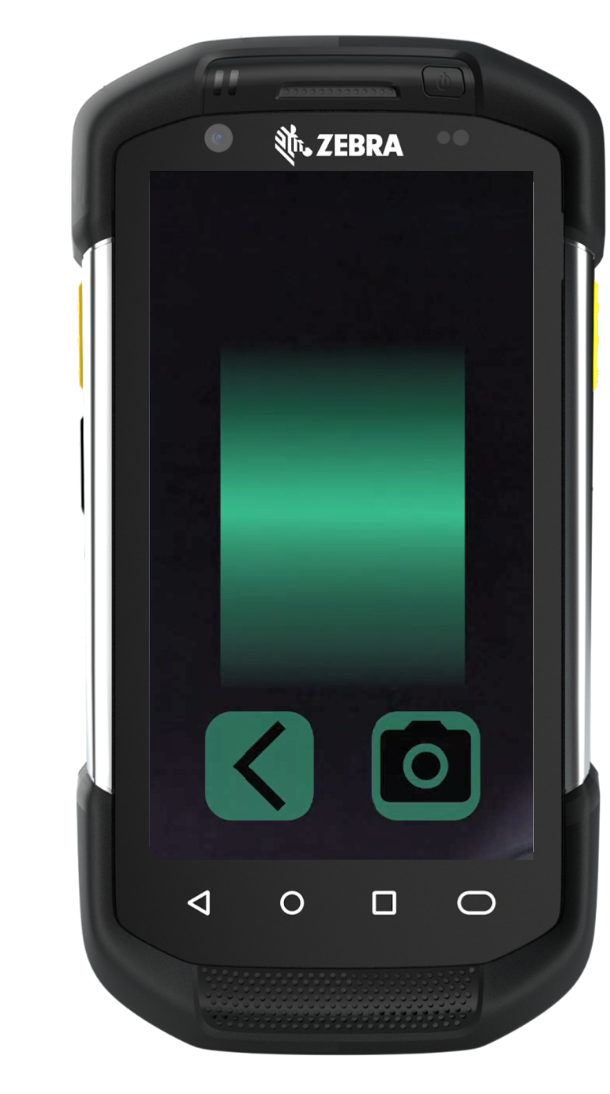
Image analysis by artificial intelligence
After capture, the integrated AI technology automatically analyzes the images to identify the exact count and types of load carriers and returnable objects. This advanced analysis enables precise and fast counting without manual intervention.
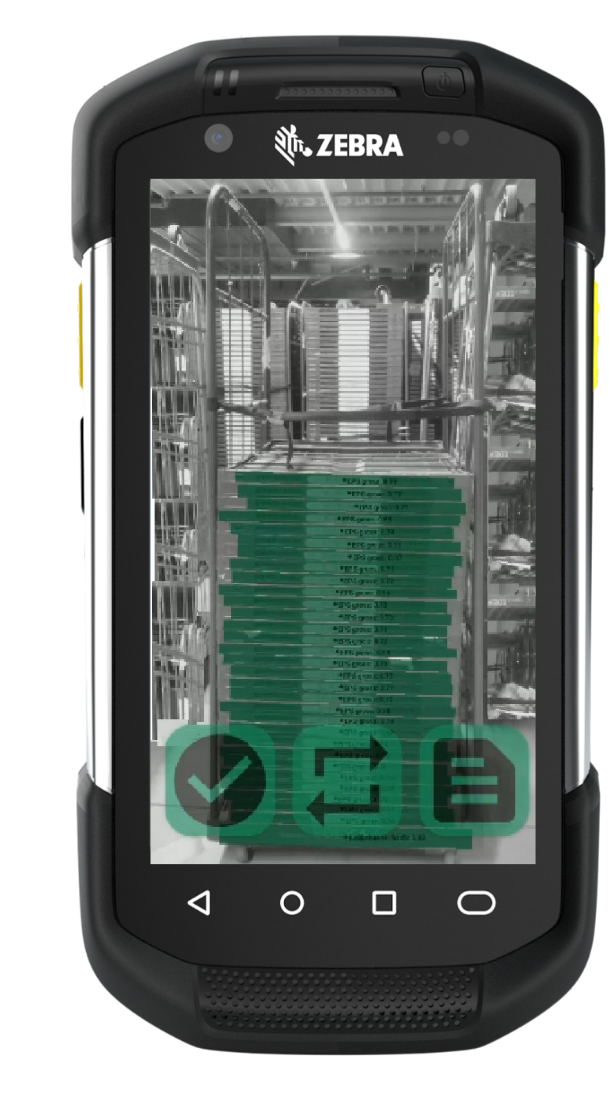
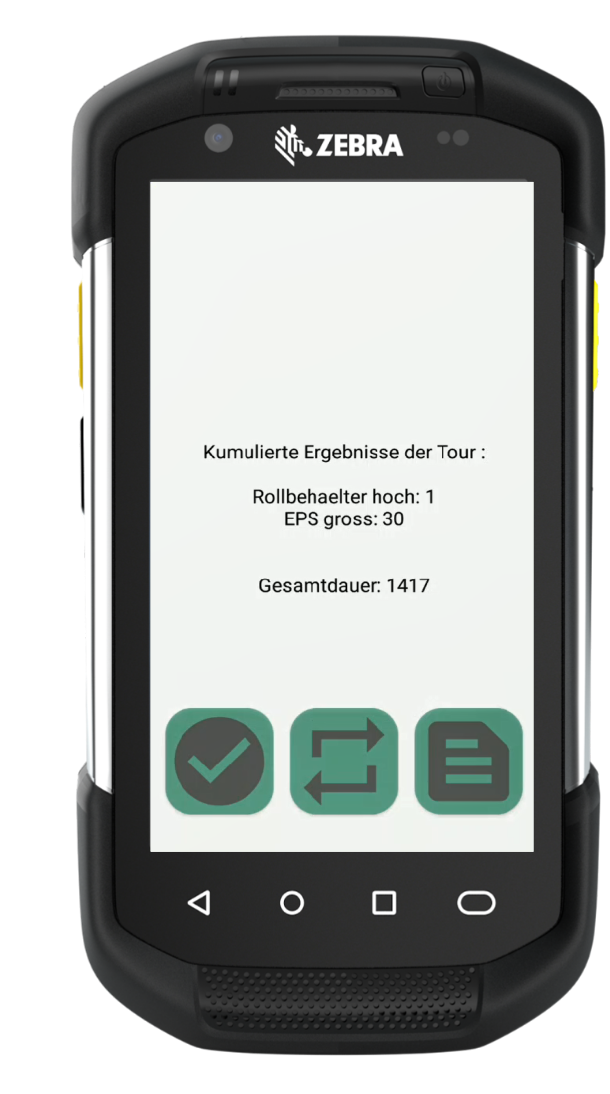
Output of results
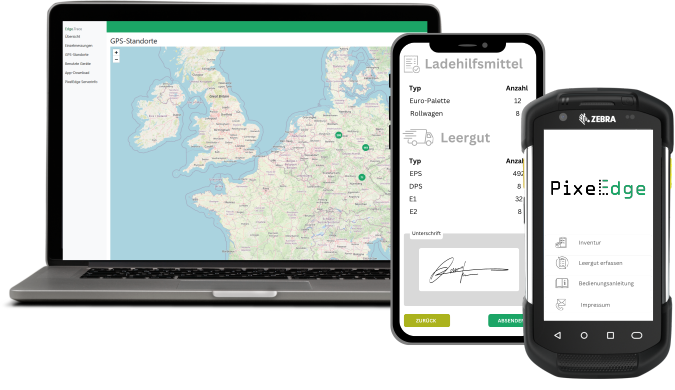
The results of the image analysis are displayed immediately in the app. You receive a detailed overview of the counted load carriers, including specific types and quantities.
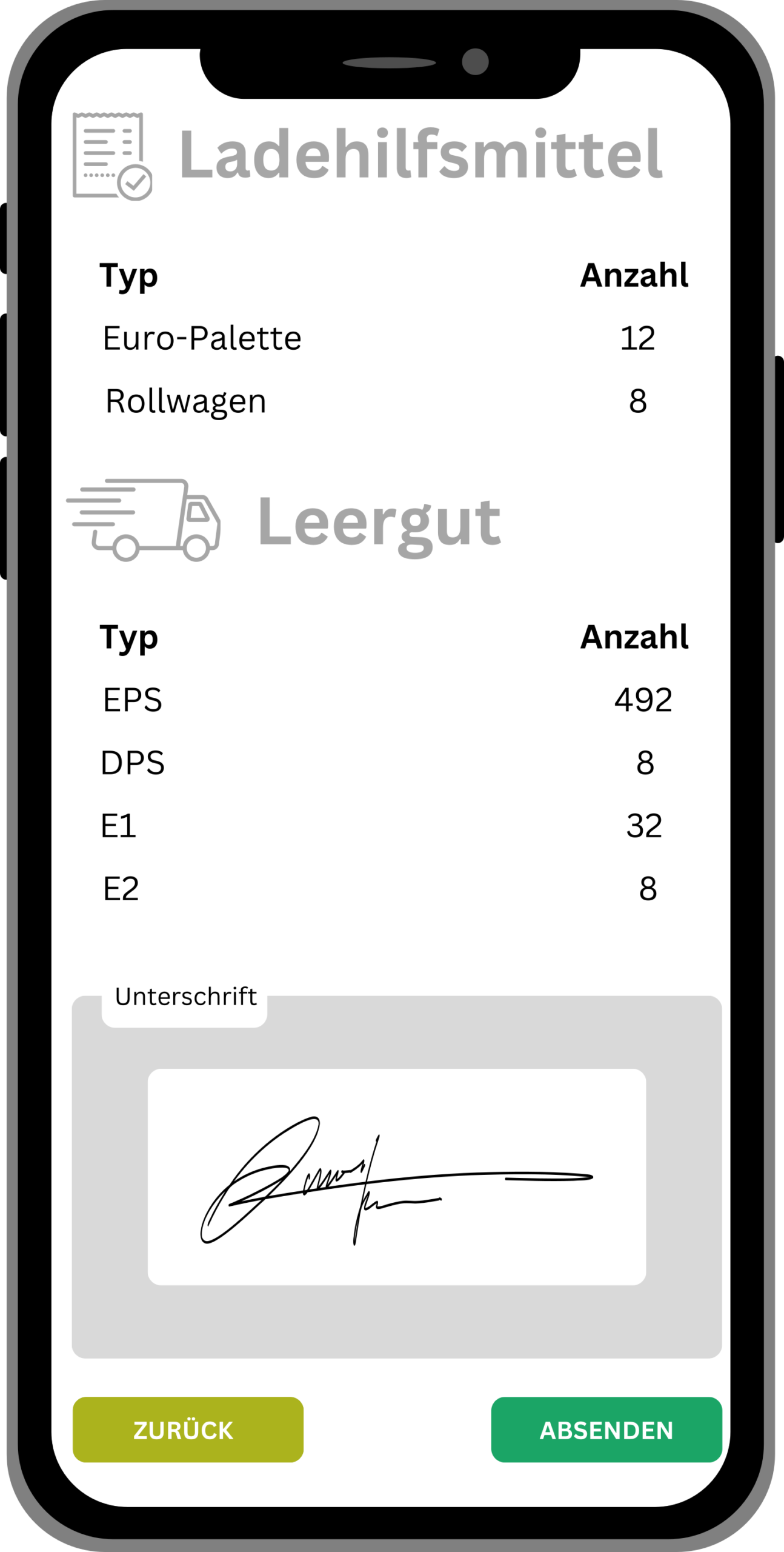
Signature and confirmation
Confirm the accuracy of the captured data with your signature directly on the mobile device. This function adds an extra layer of security to the capture process and meets compliance requirements.
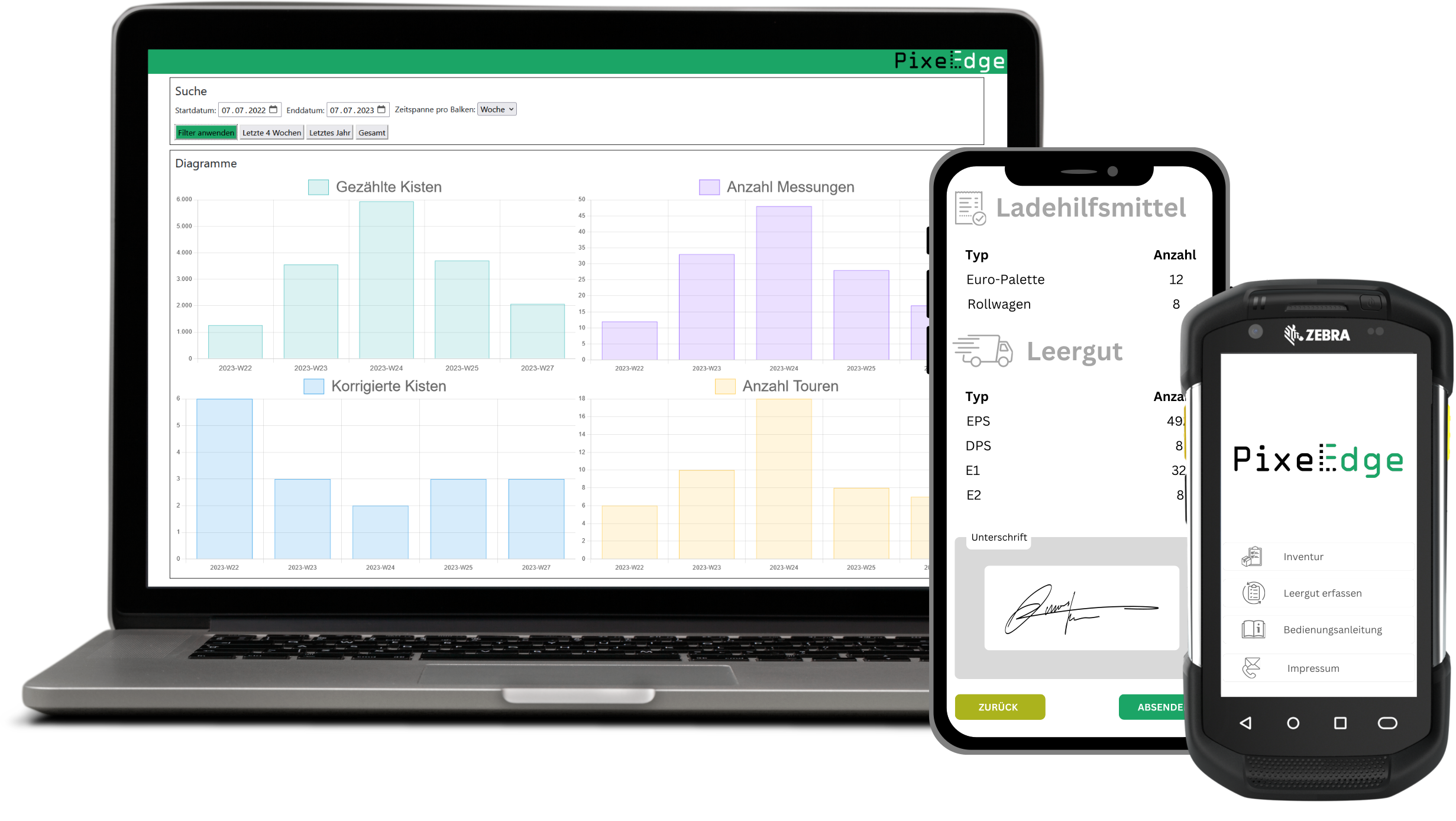
Upload results to the cloud
Finally, all confirmed data and associated images are securely uploaded to the cloud. This ensures that the information is available anytime, anywhere, supports archiving and facilitates access for further analysis and reporting.
Digitalize worry-free
Hardware-free
No barcodes or tags required. Pallets, beverage crates, bakery crates, boxes and other returnable assets can be tracked without identification – AI recognizes them by geometric features.
Data sovereignty
Privacy by Design: 100% on-device processing. No cloud requirement, no data leakage. Optional Edge.Trace for central evaluation – you have full control.
GDPR-safe
Images are evaluated locally by AI. Persons are automatically blurred – no personal data is transmitted or stored on device or cloud.
Asset Intelligence
Precise locations through automatic GPS coupling with every capture. Traceability for returnable returns and supply.
Use Edge.Count flexibly – standalone or combined
Edge.Count can be used as a standalone app or seamlessly integrated with Edge.Trace. Deepen your knowledge of both solutions:
Frequently asked questions about the Edge.Count app
How does the automatic crate counting work?+
The Edge.Count app uses the device camera in combination with AI-powered image recognition to automatically count the number of crates in an image. Mixed stacking patterns are reliably detected too – they don't need to be uniform. You get fast and precise results.
Which crate types can the app count?+
We already track many different returnables – we have ready-to-use models for them. These include IFCO boxes, EPS trays, KLTs, E1/E2 meat crates, beverage crates, bakery crates and many other containers. Development effort is only needed for specific returnables we don't yet cover.
Can the app also count pallets and load aids?+
Yes, the app is specifically designed to reliably recognize and count Euro pallets, Chep and LPR pallets as well as other load aids. Through AI-powered image recognition it reduces manual errors and saves valuable time during capture.
Does the app work on every device?+
Yes. The Edge.Count app runs on Android and iOS devices – including relatively old models. No high-end hardware is required. Smartphones, tablets and mobile data capture devices are sufficient.
Can the app be used offline?+
Yes, the app works without an internet connection. Count data is stored locally and synchronized once an internet connection is available again.
Is Edge.Count GDPR-compliant? How are personal data protected?+
Yes, Edge.Count is GDPR-compliant and developed according to the Privacy-by-Design principle. The AI models run exclusively locally on the device. People in the captured photos are automatically pixelated before any forwarding takes place – transmitted images therefore no longer contain personal data. Your data remains protected and you retain full data sovereignty.
Can the app be integrated into existing apps?+
Yes, Edge.Count can be integrated into your existing applications. Via Android Intents and APIs, the AI counting function can be seamlessly embedded in MDE apps, warehouse management systems or other company-specific software. This way you use Edge.Count's counting accuracy directly in your familiar workflows.
Must Edge.Trace be used? Who owns the data?+
No, Edge.Trace is not mandatory. You can use the count data in Edge.Trace or transfer it directly to your own IT. The data belongs to you – you retain full data sovereignty. Interfaces to ERP, WMS and TMS systems enable integration into your system landscape.
Schedule your free consultation now!
In a first step we analyze your status quo together and identify potential for optimization and automation. If we have a suitable solution for you, we present our approaches tailored to your specific requirements in a second meeting.